Obsidian import for Inkdrop
A migration plugin that previews how a local Obsidian vault will map to Inkdrop, then copies notes, links, tags, and supported images.
- Status
- In development
- Technologies
- Markdown / Inkdrop plugin API
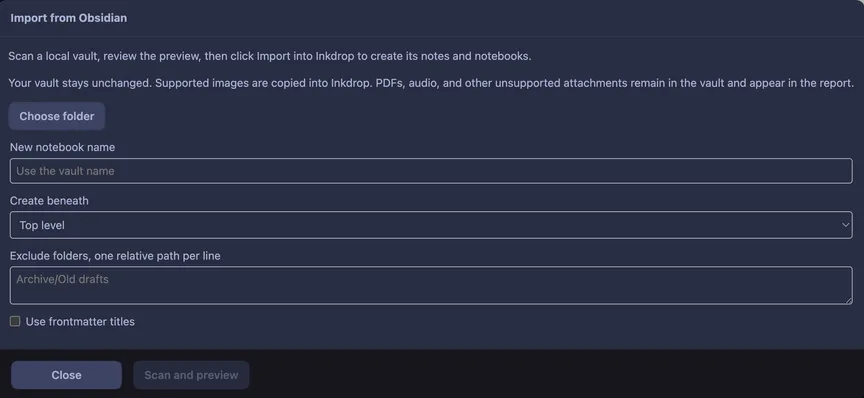
Mapping one note system to another
A vault is a graph of notes and attachments as well as a directory of Markdown files. The importer scans local files, previews the destination notebook tree, and maps note links and tags into Inkdrop. The preview lets users catch unexpected destinations before the first write.
Interrupted imports
The wizard can resume work for the same source and destination options. It checks that previously created destinations still exist and flags edits or deletions as conflicts. Each run records outcomes that can be exported for review. The importer creates a new notebook tree and leaves the original vault in place.
Attachment handling
The importer decodes PNG, JPEG, and GIF files, checks Inkdrop’s size and format limits, and verifies uploads after writing. If an image cannot be imported, the note keeps its original reference and the report records the failure. Unsupported attachments stay in the source vault.
Status
The source repository documents installation and the current limits of the importer.